Equipment Inspection Guide
Free with subscriptionAI inspection guides from a name or photo — multilingual, with QR codes for the shop floor
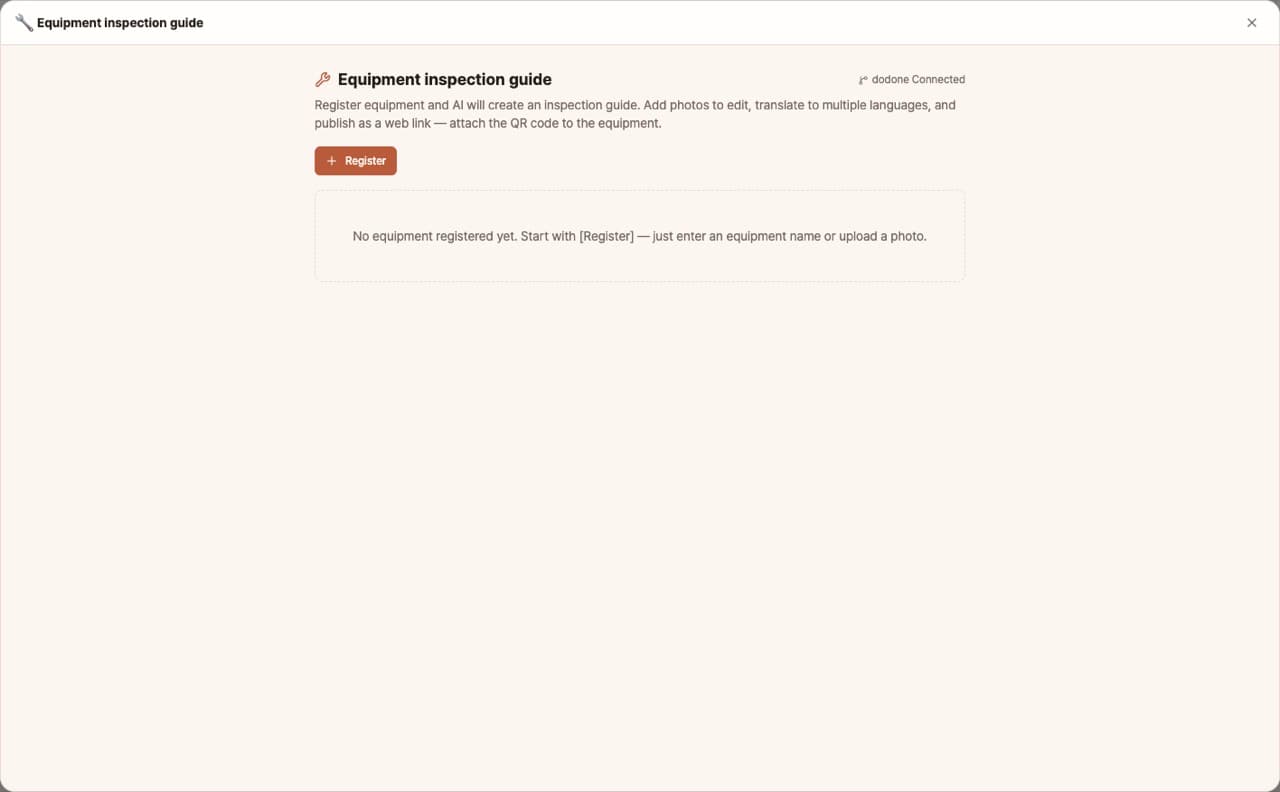
Creating and posting inspection procedures for each piece of equipment is always delayed. With this app, you can create inspection guides using just the equipment name or a photo, edit them by adding pictures, translate into 17 languages, and publish as a web link. Attach the QR code to the equipment so workers can view the guide in their own language on their smartphones.
Sign in and tap Use — the app appears inside DoDone.
Who it's for · what for
Manufacturing plant & equipment managers
Create daily and weekly inspection guides for each piece of equipment and attach them as QR codes.
Workplaces with foreign employees
Provide the same guide in Vietnamese, Nepali, and other languages to reduce accidents.
Building & facility management
Standardize inspection procedures for boilers, fire safety, and elevators.
How to use
- 1Enter the equipment name or upload a photo, then click [Generate].
- 2Edit the step-by-step content and add on-site photos.
- 3Select the translation language and click [Translate].
- 4When you [Publish to web], you'll get a link and QR code. Print and attach it to the equipment.
Features in detail
A guide from a single photo
Type an equipment name or upload a photo — the AI identifies the machine and drafts a guide with safety rules, daily/weekly checklists, and troubleshooting. Edit freely and insert photos of the actual machine parts inline.
Multilingual for foreign coworkers
Translate into 13 languages — Vietnamese, Chinese, Thai, Indonesian, Uzbek, Nepali, and more — published together with language links at the top so each worker reads in their own language.
Stick a QR code on the machine
Publish to a public GitHub web link, download its QR code as PNG, print, and stick it on the machine. Workers scan it and the guide opens instantly on their phone. (Requires the GitHub plugin connection)
FAQ
Q.What do I need to publish to web?
In Settings > Plugins, connect your GitHub account. A free account is fine.
Q.Can I edit a published guide later?
Yes. After editing, just publish again and the same link will be updated—no need to reattach the QR code.
Q.If the app language is English, what is the original language?
The app's working language becomes the original, and the other languages are for translation.
This app — and every work app — is free for DoDone subscribers
New work apps keep shipping, at no extra cost while you're subscribed. Tap Use and run it from 'My Work Apps' inside DoDone.