Document to Markdown
Free with subscriptionTurn PDF, Word, PowerPoint, Excel, CSV, and HTML into Markdown that keeps headings, lists, and tables — paste it to AI and spend 3–5× fewer tokens
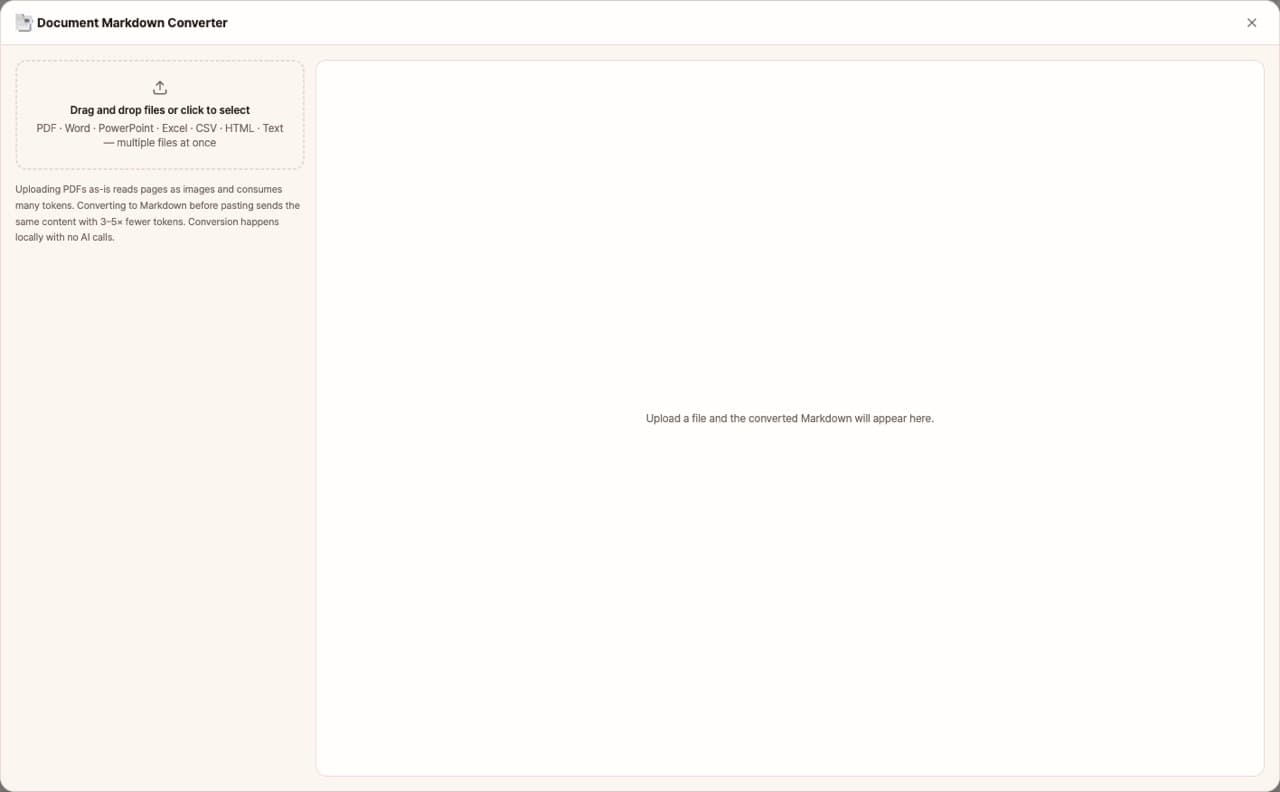
When you upload a PDF as a reference file to AI like Claude or ChatGPT, the AI reads each page as an image to extract text, which uses a lot of tokens. This app converts PDF, Word, PowerPoint, Excel, CSV, and HTML files into markdown text that keeps titles, lists, and table structures intact. By pasting this text, you can deliver the same content using far fewer tokens. There are no AI calls, so it's completely free.
Sign in and tap Use — the app appears inside DoDone.
Who it's for · what for
Solo business owners and office workers who use AI daily
Convert company profiles, reports, and contracts to markdown and paste them into AI to reduce usage fees.
Those filling DoDone knowledge bases or staff guidelines
Organize long documents into markdown and add them as knowledge base or skill reference materials.
Notion and Obsidian users
Move received PPT, Excel, and PDF files into markdown notes.
How to use
- 1Drag and drop files or click to select them. You can upload multiple files at once.
- 2Select a file from the list on the left to see the converted markdown on the right. You'll also see the character count, estimated token count, and any warnings.
- 3Use [Copy] to paste directly, or [.md Save] to create a file. For multiple files, use [Save all to folder].
Features in detail
Structure-preserving conversion
Word keeps heading levels, lists, and tables; PowerPoint keeps per-slide titles, bullets, tables, and speaker notes; Excel becomes one table per sheet; PDF keeps lines, paragraphs, and page breaks. Headers, footers, and page numbers are stripped automatically.
See the token savings
Each file shows its character count and an approximate token count. Uploading a PDF directly makes the AI read pages as images at 1,500–3,000 tokens per page; the Markdown carries the same text in 300–800.
Warns about scans and broken text
Scanned PDFs without a text layer and files with broken font encoding are flagged, so you know to give the AI the original file instead.
Instant, no AI call, completely free
Conversion runs entirely on your computer. Drop several files at once, copy the result, save as .md, or batch-save to a folder.
FAQ
Q.Can I use scanned PDFs?
If the scan doesn't have a text layer, there are no characters to convert, so you'll see a warning. For such files, it's better to upload the original directly to the AI.
Q.What happens to tables and charts?
Tables from Word, PPT, Excel, and HTML are converted to markdown tables. For charts and images, only a [Image] tag remains—the content itself can't be transferred, so for documents where charts are key, use the original as well.
Q.Are Hangul (.hwp) files supported?
Not yet supported. Please save your file as PDF or Word from Hangul and then upload.
Q.Are files sent externally?
No. Conversion happens only on your computer, and there are no AI calls.
This app — and every work app — is free for DoDone subscribers
New work apps keep shipping, at no extra cost while you're subscribed. Tap Use and run it from 'My Work Apps' inside DoDone.