Multilingual Menu Poster
Free with subscriptionTurn menu text or a photo into AI-painted menu posters in eight styles and 17 languages — for print, in-store TVs, and a QR web menu
Having a designer make your store menu costs time and money, and creating translated menus for foreign customers is even harder. With this app, just enter your menu text or upload a photo of your menu, and AI will organize categories, items, and prices. The image generation AI then creates finished menu posters in 8 styles—like Korean food illustration, chalkboard, vintage, or dark restaurant—for both vertical print and horizontal TV display. It also makes translated posters in 17 languages and QR web menus.
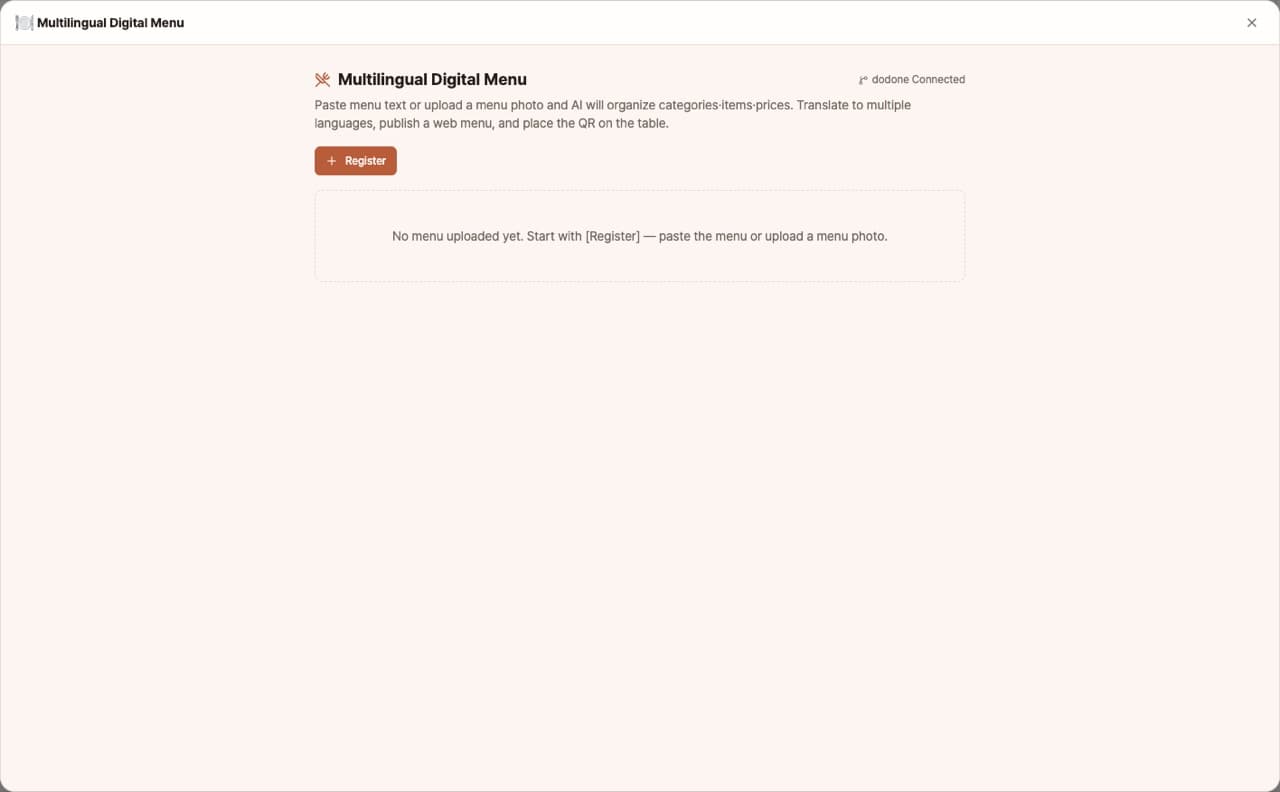
Sign in and tap Use — the app appears inside DoDone.
Who it's for · what for
Restaurants, cafes, pubs
Quickly redesign and print menus or display them on your store TV whenever you add new items or change prices.
Stores with many foreign customers
Offer English, Japanese, and Chinese menu posters along with QR web menus.
Food trucks, pop-up stores
Quickly prepare menus in different styles for each event.
How to use
- 1Paste your menu text or upload a photo of your existing menu to have the items organized. Edit them in the Edit tab.
- 2Choose a translation language and [Translate].
- 3In the AI Poster tab, select a style and format, then [Generate AI Poster]. You can make one for each language.
- 4If there are any mistakes in names or prices, request corrections and [Save Image].
- 5If needed, use [Publish to web] to create a QR web menu.
Features in detail
AI-painted menu posters in eight styles and two formats
Pick Korean line-art, hanji, photo grid, vintage wood, dark restaurant, chalkboard, cafe illustration, or elegant, and the image model paints a complete menu board with dish illustrations, ornaments, and lettering — portrait (A4 print) or landscape (16:9 in-store TV), using your item photos as reference when available. Fix a misspelled name or price with a one-line edit request. A code-typeset text mode is included too.
Structured from text or a photo, translated into 17 languages
Paste your menu or upload a photo of the old board and it becomes an editable table of categories, items, prices, notes, and tags. Translate into 17 languages — English, Chinese, Japanese, Vietnamese, Thai, and more — and get a separate poster image per language.
Live preview · QR web menu
Preview the poster inside the editor before saving, and check the mobile web menu too. Publish to GitHub Pages to get a web menu with language tabs plus a QR code for the table.
FAQ
Q.Can there be mistakes in the poster text?
Since the image model draws the text, item names or prices may rarely be incorrect. Please check before saving and request corrections if needed. If text accuracy is your top priority, use the text layout mode.
Q.What are the print sizes?
Vertical format is for A4 printing, and horizontal format is for 16:9 TV displays.
Q.If the app language is English, what is the original menu language?
The working language of the app becomes the original, and all other languages—including Korean—are available for translation.
This app — and every work app — is free for DoDone subscribers
New work apps keep shipping, at no extra cost while you're subscribed. Tap Use and run it from 'My Work Apps' inside DoDone.