One-Page Website
Free with subscriptionEnter your store, service, portfolio, or event details — AI writes the copy and publishes a one-page site in four themes to a web link
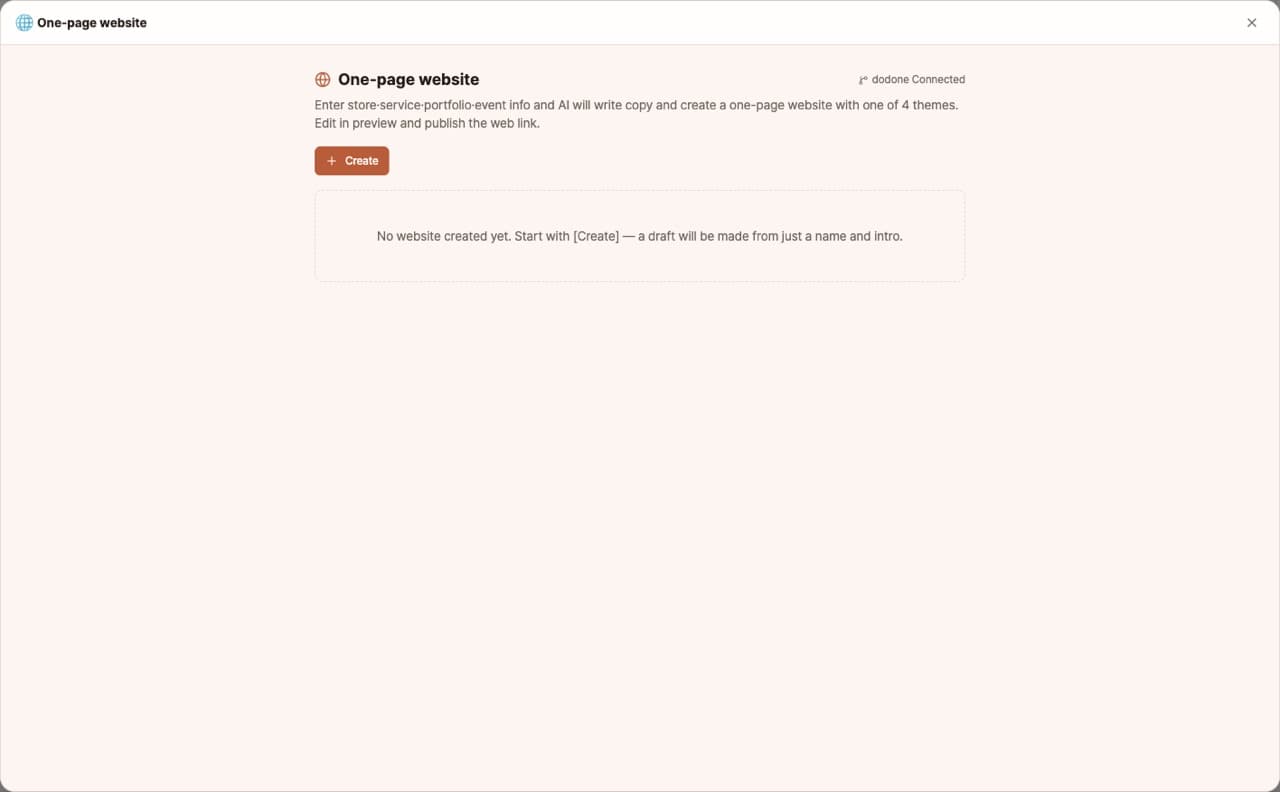
When you need a simple website for your business card or Instagram profile, just enter your store, service, portfolio, or event info—AI will write the copy and create a one-page website in one of four themes. Upload a main photo or generate one with AI, edit in the preview, then publish with a web link and QR code.
Sign in and tap Use — the app appears inside DoDone.
Who it's for · what for
Stores, studios, and personal services
Businesses without a website can have an introduction page in just one day.
Freelancers and instructors
Connect your portfolio or contact page to your business card QR code.
Events and gatherings
Create an info page with schedule, location, and registration links.
How to use
- 1Choose a type (store, service, portfolio, or event) and enter your information. Add each item on a separate line.
- 2Upload a main photo or [Generate with AI].
- 3After [Generate], edit the copy and theme in the preview.
- 4When you [Publish to web], you'll get a link and QR code.
Features in detail
You give the facts, AI writes the copy
Fill in the name, tagline, description, offerings, hours, address, contacts, and social links; the app writes the headline, subheadline, about text, section copy, and call-to-action from those facts alone — no invented awards or credentials. Regenerate or edit any line.
Four themes · hero photo upload or AI-generated
Pick clean, warm, bold, or dark; upload a hero photo or generate one with your image model. A live preview beside the form shows every change instantly.
Publish to a web link + QR
Publish to GitHub Pages for a public address, save it as a QR code for business cards, flyers, and the storefront, and republish to update the same URL after edits.
FAQ
Q.Can I connect my own domain?
It publishes to a GitHub Pages address. You can connect your own domain directly in your GitHub repository settings.
Q.Can I make multiple pages?
This is for single-page sites only. For multi-page sites, ask a DoDone staff member to use the Sites plugin.
This app — and every work app — is free for DoDone subscribers
New work apps keep shipping, at no extra cost while you're subscribed. Tap Use and run it from 'My Work Apps' inside DoDone.