Slide Rectifier & Outline Extractor
Free with subscriptionStraighten angled photos of lecture and presentation slides and extract titles, bullets, and tables as a hierarchy — copy as Markdown or notes, translate into 17 languages
Photos hastily taken of screens during seminars, lectures, or meetings often come out skewed, and copying down the text can be a hassle. This app uses AI to find the four corners of slides in your photos, straightens them, and extracts the title, subtitles, bullet points, tables, and key summaries in their original hierarchy, turning them into markdown or note-friendly text. You can upload multiple photos to combine them into a single note, and even translate your notes into 17 languages.
Sign in and tap Use — the app appears inside DoDone.
Who it's for · what for
Office workers or students attending lectures or seminars
Take photos of presentation screens and later receive them as organized notes.
Anyone attending presentations in a foreign language
Extract English or Japanese slides and translate them into Korean for easy reading.
People responsible for organizing meeting minutes or training materials
Convert photos of whiteboards or projector screens into documents.
How to use
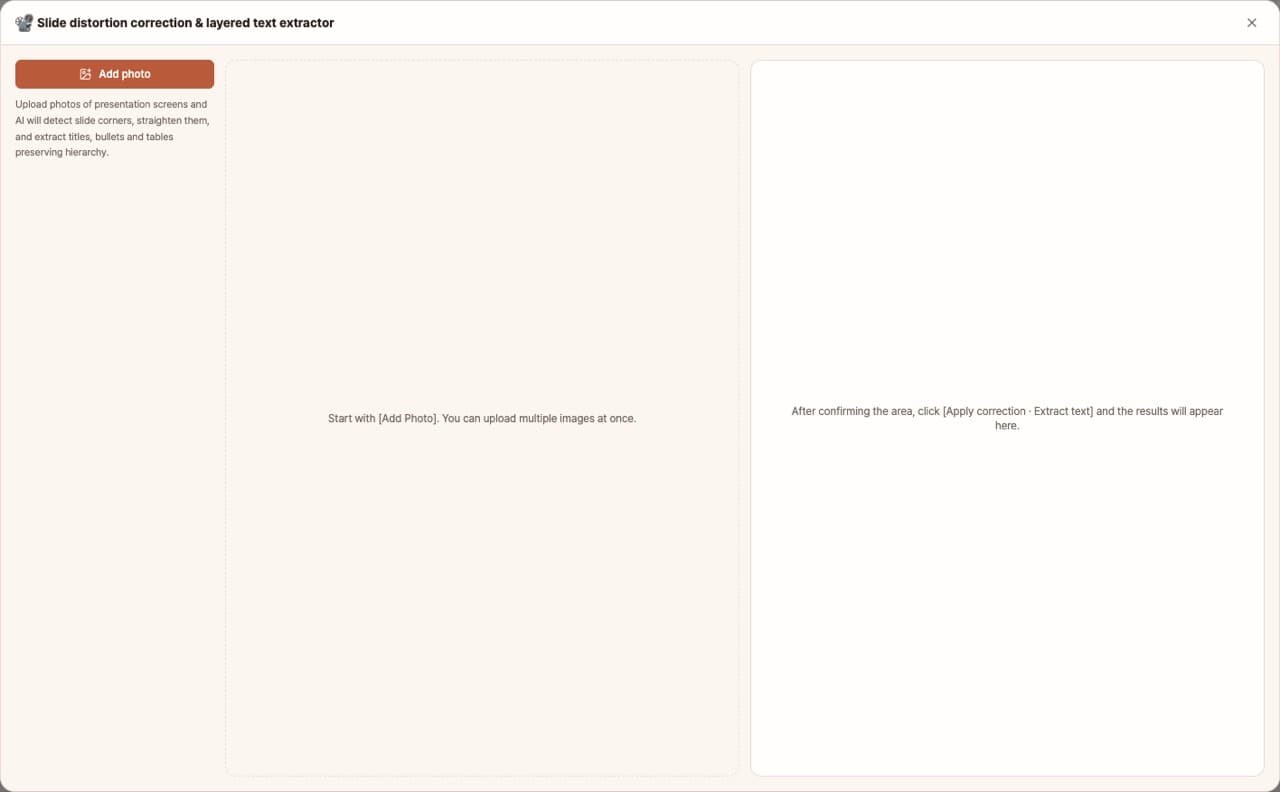
- 1Upload slide photos using [Add Photo]. You can upload multiple images at once.
- 2Click [Find All Photo Corners] and AI will detect the four corners of each slide (up to 3 at a time). For any misaligned slides, click and drag the handles to adjust, and choose the aspect ratio (16:9, etc.).
- 3Click [Correct & Extract All Photos] to straighten each slide and extract hierarchical text. Click on a slide to see its results; in step ②, you can adjust clarity, black & white presets, brightness, and contrast.
- 4Copy from the Hierarchy, Markdown Edit, or Indented Text tabs, or save as .md. In the Translate tab, select a language to translate your notes.
- 5If you processed multiple slides, use [Save All as Combined .md] to save everything in one file.
Features in detail
AI finds the corners, code does the unwarping
Upload a photo and AI locates the four corners of the slide or screen; a projective transform straightens it into a clean rectangle. If detection is off, drag the handles with a magnifier for precision, and choose 16:9, 4:3, or 16:10.
Title → sub-headings → bullets → tables, hierarchy intact
From the rectified slide it extracts the title, sub-headings, four levels of bullets, tables, diagram explanations, key takeaways, and footnotes. Copy as a hierarchy view, editable Markdown, or indented text for Notion and notes, or save as .md.
Translate into 17 languages
Translate the extracted notes into 17 languages including English, Japanese, Chinese, and Vietnamese. Markdown structure, proper nouns, and numbers stay intact; copy or save per language.
Many slides at once, saved as one note
Upload every photo from a lecture, process each, and save them all as one combined Markdown note. Crisp, B&W document, and vivid presets plus brightness and contrast improve readability, and the rectified image can be saved too.
FAQ
Q.What if the corners can't be detected?
A default area will be selected, so you can manually drag the handles to match the corners. A magnifier will appear for precise adjustments. You can also retry with [Retry AI Corner Detection].
Q.Which AI model is used?
The structured output model (one that can view images) set in Settings > Models is used. Each process calls the model once for corner detection, once for extraction, and once per translation language.
Q.Does it work with handwritten whiteboards?
As long as the handwriting is clear, it works. For faint handwriting, recognition may be lower, so try increasing contrast with the black & white document preset.
Q.Where are my photos saved?
Everything is processed and stored only within the app. Corrected images and .md files are only created when you choose to save them.
This app — and every work app — is free for DoDone subscribers
New work apps keep shipping, at no extra cost while you're subscribed. Tap Use and run it from 'My Work Apps' inside DoDone.