Space & Stay Guide
Free with subscriptionGuest guides for hosts — check-in, Wi-Fi, and house rules as a multilingual web page with QR
Instead of explaining check-in, Wi-Fi, device instructions, house rules, and emergency contacts to Airbnb, party room, or study room guests every time, AI creates a guest guide and translates it into 17 languages, which you can display with a single QR code. When guests scan it, they instantly read the guide in their own language.
Sign in and tap Use — the app appears inside DoDone.
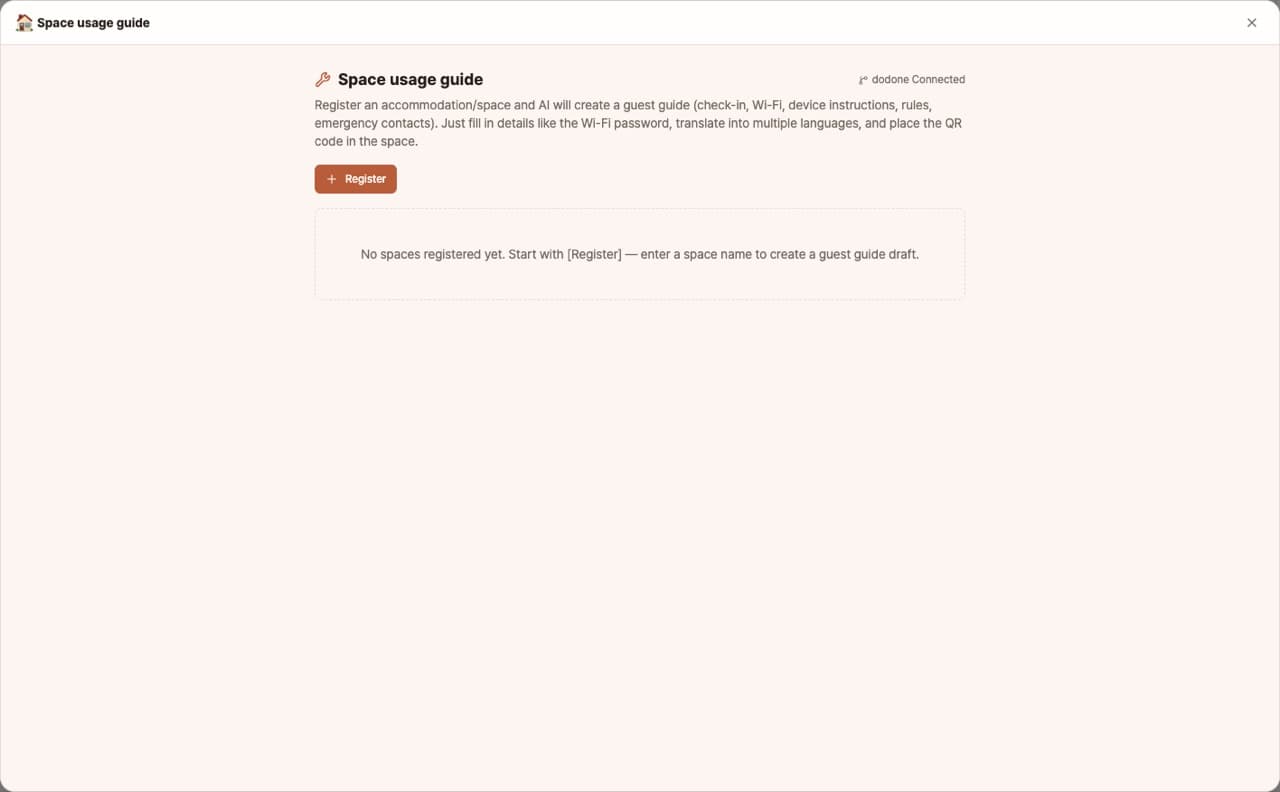
Who it's for · what for
Airbnb & guesthouse hosts
Reduce questions from foreign guests and improve your review scores.
Party rooms, study rooms, shared offices
Display usage rules and device instructions in your space.
Pensions & campgrounds
Provide check-in info, facility guides, and emergency contacts in multiple languages.
How to use
- 1Enter your space type and basic info (address, Wi-Fi, check-in instructions, rules), then click [Generate].
- 2Edit the content and add photos.
- 3Choose translation languages, then [Publish to web] → print and display the QR code.
Features in detail
AI drafts your guest guide
Type your space name and get a full draft — welcome note, check-in/out, Wi-Fi and appliance how-tos, house rules, trash sorting, emergency contacts. Sensitive details like Wi-Fi passwords stay as placeholders for you to fill in.
17 languages for international guests
Publish translations in 17 languages — English, Chinese, Japanese, Spanish, French, German, Russian, and more — with language tabs guests can switch themselves.
One QR card in your space
Published as a mobile-friendly web page with a printable QR code. Leave it by the door or on the table — guests scan and read instantly, no app or login. (Requires the GitHub plugin connection)
FAQ
Q.Won't the Wi-Fi password be exposed?
The published link is a public page, but only people with the QR can access it. For sensitive info, share it separately after check-in.
Q.Do guests choose their language?
Guests select their language from the language tab at the top of the page. The default language matches their browser language.
This app — and every work app — is free for DoDone subscribers
New work apps keep shipping, at no extra cost while you're subscribed. Tap Use and run it from 'My Work Apps' inside DoDone.