Operation Guide
Free with subscriptionStep-by-step operation guides from a name or photo — multilingual, with QR codes on site
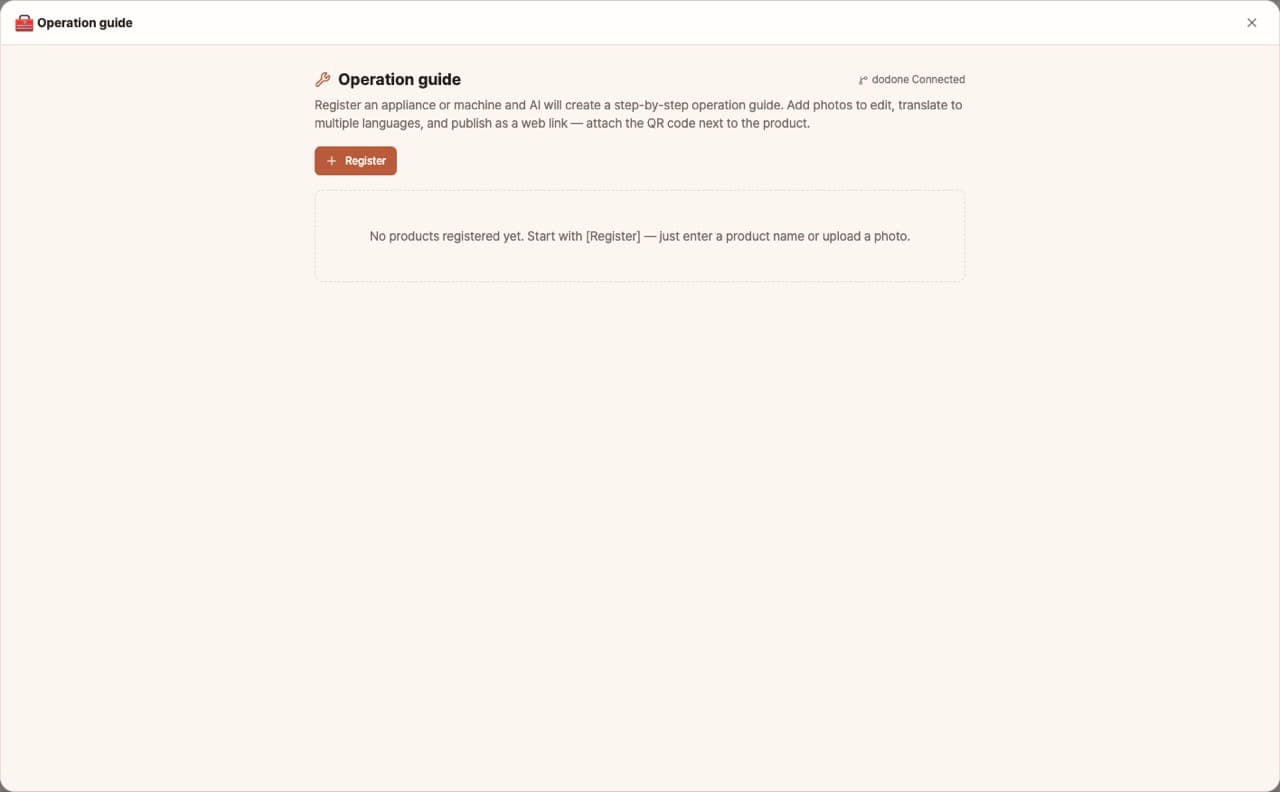
Create step-by-step guides for using appliances or machines that anyone can follow, just from the name or a photo. Edit with your own photos, translate into 17 languages, and publish as a mobile web page. Attach the QR code next to your product.
Sign in and tap Use — the app appears inside DoDone.
Who it's for · what for
Stores & Offices
Provide instructions for coffee machines, multifunction printers, or POS systems for new employees.
Manufacturing & Assembly Sites
Standardize work procedures to reduce training time.
Rental & Shared Spaces
Offer equipment usage guides to users via QR codes.
How to use
- 1Enter the product or machine name, or upload a photo, then click [Generate].
- 2Edit the steps and add photos.
- 3Translate → [Publish to web] → Print QR code.
Features in detail
Step-by-step guides anyone can follow
Type a product name or upload a photo — the AI identifies it and drafts a guide with safety checks, prep, numbered steps, cleanup, and troubleshooting. Insert photos of the actual machine inline while editing.
17 languages with language tabs
Translate into 17 languages — from English, Chinese, Vietnamese, and Thai to Spanish and French — with language tabs at the top of the published page.
Mobile web page + QR sticker
Published as a GitHub Pages web page; download the QR as PNG, print, and stick it next to the machine. Checklists are tappable and saved on the device. (Requires the GitHub plugin connection)
FAQ
Q.How is this different from an equipment inspection guide?
Inspection guides are structured for 'checking for abnormalities,' while work guides are organized for 'use and operation' procedures.
Q.Is GitHub required for publishing?
It's only needed for publishing web links or QR codes. You can create, translate, and print guides without connecting to GitHub.
This app — and every work app — is free for DoDone subscribers
New work apps keep shipping, at no extra cost while you're subscribed. Tap Use and run it from 'My Work Apps' inside DoDone.