WordPress Publisher
Free with subscriptionAI posts with images published straight to your WordPress — draft or live
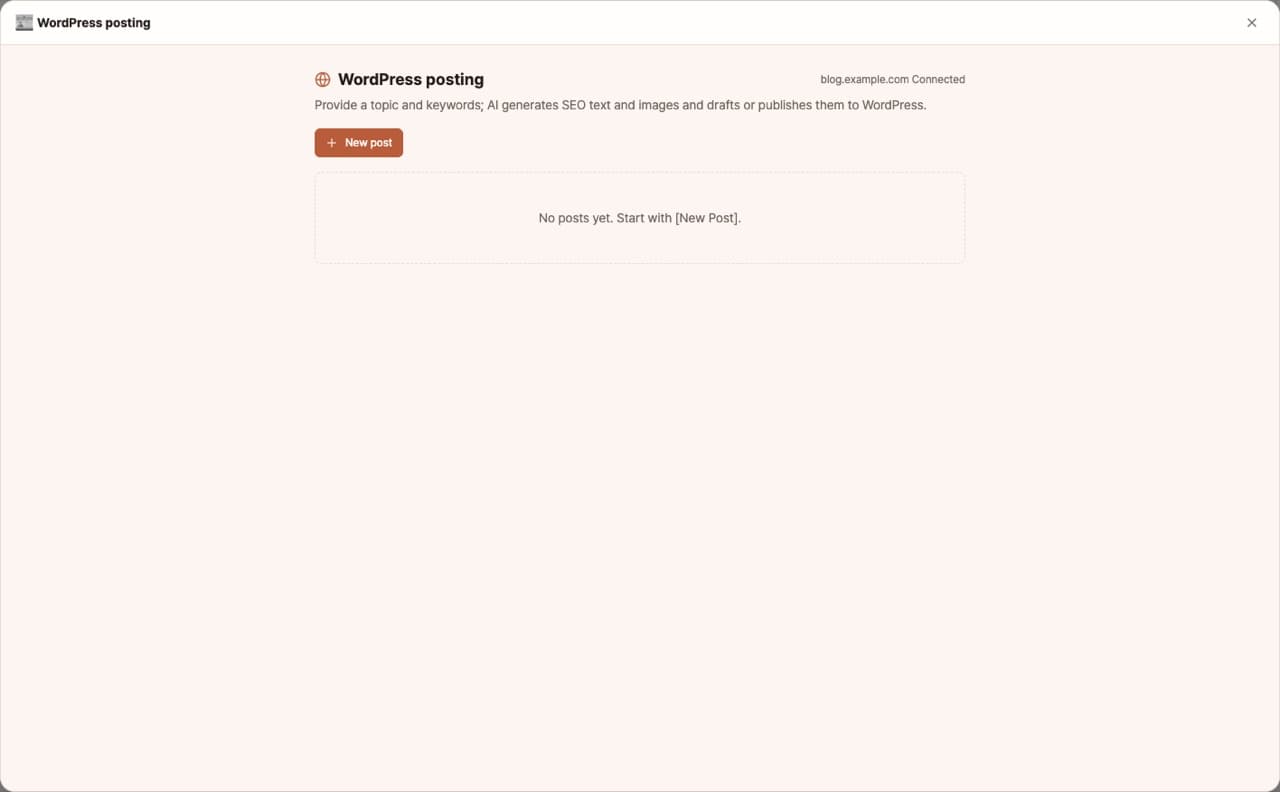
Just provide a topic or keywords, and AI will create SEO articles and images, then save them as drafts or publish them instantly to your WordPress site. You can set a featured image automatically, add tags, and manage your published posts—all from one screen. Connect securely with an app password.
Sign in and tap Use — the app appears inside DoDone.
Who it's for · what for
WordPress blog or company website operators
Stack up weekly content as drafts, review, and then publish.
Content marketers
Bulk-generate articles with images for each keyword.
How to use
- 1In Settings > Plugins, register your WordPress site address and app password.
- 2Enter your topic, keywords, and tone, then click [Generate].
- 3Choose to save as draft or publish instantly. Manage statuses from the publish list.
Features in detail
From topic to published post
Set a topic, target keywords, tone, and length — the AI writes an SEO-structured post and generates a featured image plus up to three body images. Edit the title, body, and tags in the preview, then send as a draft or publish instantly.
Secure application-password connection
Connect with a WordPress application password issued in a minute from your admin (self-hosted 5.6+, HTTPS). The password is encrypted in your OS secure storage, and the connection is verified against your site.
Manage everything you publish
Posts are organized in a paged list with their draft/published status and site links. Reopen, edit, and republish to update the same post on your site.
FAQ
Q.What is an app password?
It's a password created in WordPress under Users > Profile, used only for apps. It's safer because you don't use your main password.
Q.Where are the images uploaded?
They are uploaded to your WordPress media library and set as the featured image.
This app — and every work app — is free for DoDone subscribers
New work apps keep shipping, at no extra cost while you're subscribed. Tap Use and run it from 'My Work Apps' inside DoDone.